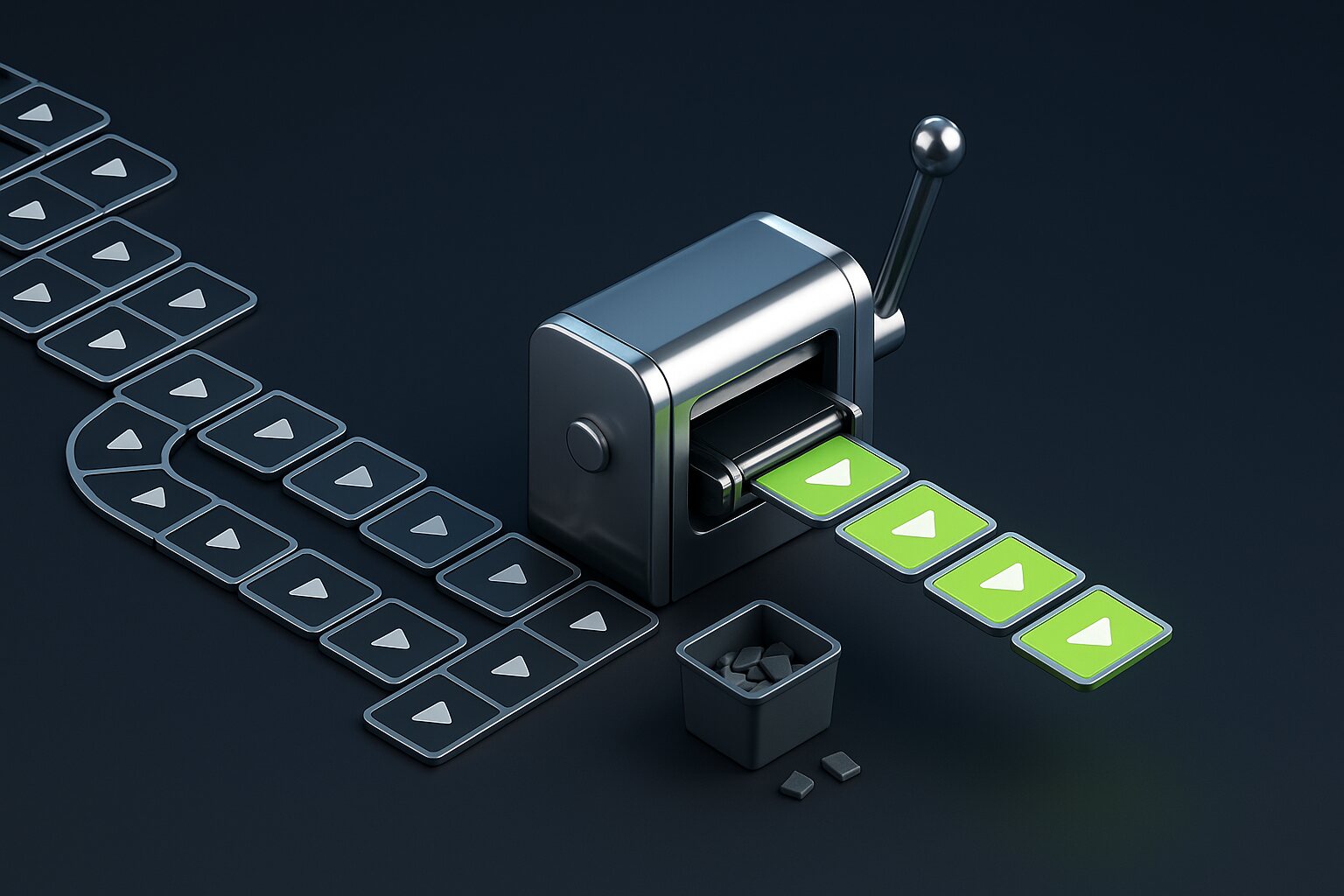
Short answer: cutting a 4-hour stream down to 30 minutes means keeping roughly one minute out of every eight. The way there is splitting the stream into a few big stories, not picking dozens of tiny moments. Keep each story's setup, build-up and payoff, and drop the waiting, menus, loading screens and AFK time in between. Keep the order mostly chronological, speed up necessary but boring stretches like travel, and leave your best reactions untouched. Then add chapters and ad breaks and rewatch it as a viewer.
Do the math first: know what has to go
From a 240-minute recording to a 30-minute episode, most of the stream won't make it. Accepting that up front makes the job easier. The right question isn't "what should I cut?" but "which parts absolutely have to stay?"
In a long gaming stream, these usually go first:
- The pre-show wait: the "starting soon" screen, mic checks, waiting for viewers to show up.
- Menus and loading: settings screens, inventory sorting, long loading screens, matchmaking queues.
- AFK time and breaks: moments when the screen sits idle or you've stepped away from your desk.
- Repeated attempts: if you tried the same section ten times, the first try, the funniest failure and the one that worked are often enough.
- Chat reading without context: if viewers can't see that chat in the video, long donation and message readings lose their meaning.
Even then, you'll likely have more than 30 minutes left. That's where the real decisions start.
Decide what kind of episode it is, too. A stream chasing one goal (finishing a quest, a ranked series) becomes a single-story episode; a mixed stream becomes an episode of a few separate stories. That choice largely decides which moments stay.
Split the stream into stories
Look at the recording event by event, not hour by hour. A four-hour stream is usually made of a few big chunks: finishing a quest, beating a boss, a team match, a long conversation topic. Each one is a small story of its own.
- Skim and take notes: play the recording fast and write down when each event starts and ends. Places where chat suddenly picks up are often a sign of a good moment.
- Sum up each story in one sentence: something like "died three times, then beat the boss on the last sliver of health." If you can't, viewers won't follow it either.
- Keep the strongest ones: only a few big stories fit into 30 minutes. Leave the rest; they can go into the next episode or into Shorts.
Keep each story whole. Show only the win and viewers won't get why you're excited. A short setup (what you're trying and why it's hard), a few tense beats and the outcome belong together. A montage of short clips is a highlight video, not an episode. For picking clip moments, see our guide on finding the best moments in a long stream.
Keep the order, keep transitions short
For an episode, chronological order is safest: your progress, gear and teammates all make sense. There's one place you can break the order: a few seconds of your strongest moment at the very start works as a preview and pulls viewers in. Then the story starts from the beginning.
Don't let the gaps between stories confuse anyone:
- Give a quick bridge: your own line ("okay, now we head to the harbor") is often the best transition. If the recording has a line like that, use it.
- Speed up the travel: travel, gathering items or building is necessary but long, so speed it up into a few seconds. Don't speed up parts where you're talking; your voice becomes hard to follow.
- Skip time with on-screen text: a short line like "two hours later" explains the jump honestly and keeps viewers with you.
Don't cut your reactions
What sets a stream video apart from an ordinary gameplay video is you. Your shout after an explosion, the five seconds you spend laughing after a mistake, a quick reply to chat: these are the moments that get cut first and the ones viewers remember most. When you trim a moment, wait until the reaction is over, and never cut in the middle of a sentence.
The same goes for talk segments. If a topic ran long on stream, keep the few minutes where you told it best: the question, your real answer and a good reaction. If you explained it three times, keep the clearest one, and leave in the moment you read the chat question aloud so viewers know what you're answering.
Long silences and filler like "uh, what were we doing" can safely be shortened, though. You'll find more ways to keep the pace up in our guide to editing techniques that improve audience retention.
Chapters and ad breaks
A 30-minute video needs a structure viewers can move around in. Each story you picked naturally becomes a chapter: list them with timestamps in the description and viewers can jump around. YouTube needs the first timestamp to be 0:00; the details are in our guide on adding chapters to a YouTube video.
If your channel is monetized, put ad breaks where stories end as well. An ad in the middle of a boss fight can drive viewers away; an ad right after the fight feels like a natural pause. We explain placement in our guide on where to place sponsor segments and ad breaks.
Final watch: see it through a viewer's eyes
When the edit is done, watch the video from start to finish as someone who never saw the stream, and answer these questions:
- Is it clear within the first minute what the video is about?
- Is it clear why each story matters?
- Did you get bored anywhere? If you did, viewers will skip that spot too.
- Is there a reaction cut off mid-sentence or left hanging?
If you can't hit 30 minutes, don't force it. If your strong material fills 24 minutes, a tight 24-minute video beats 30 padded minutes. If you can, watch it again a day later with fresh eyes; slow spots show up then.
Doing it with Moltum
Moltum takes your stream link or file and, following your request, edits the long stream into a story-driven YouTube video at your target length, plus vertical Shorts.
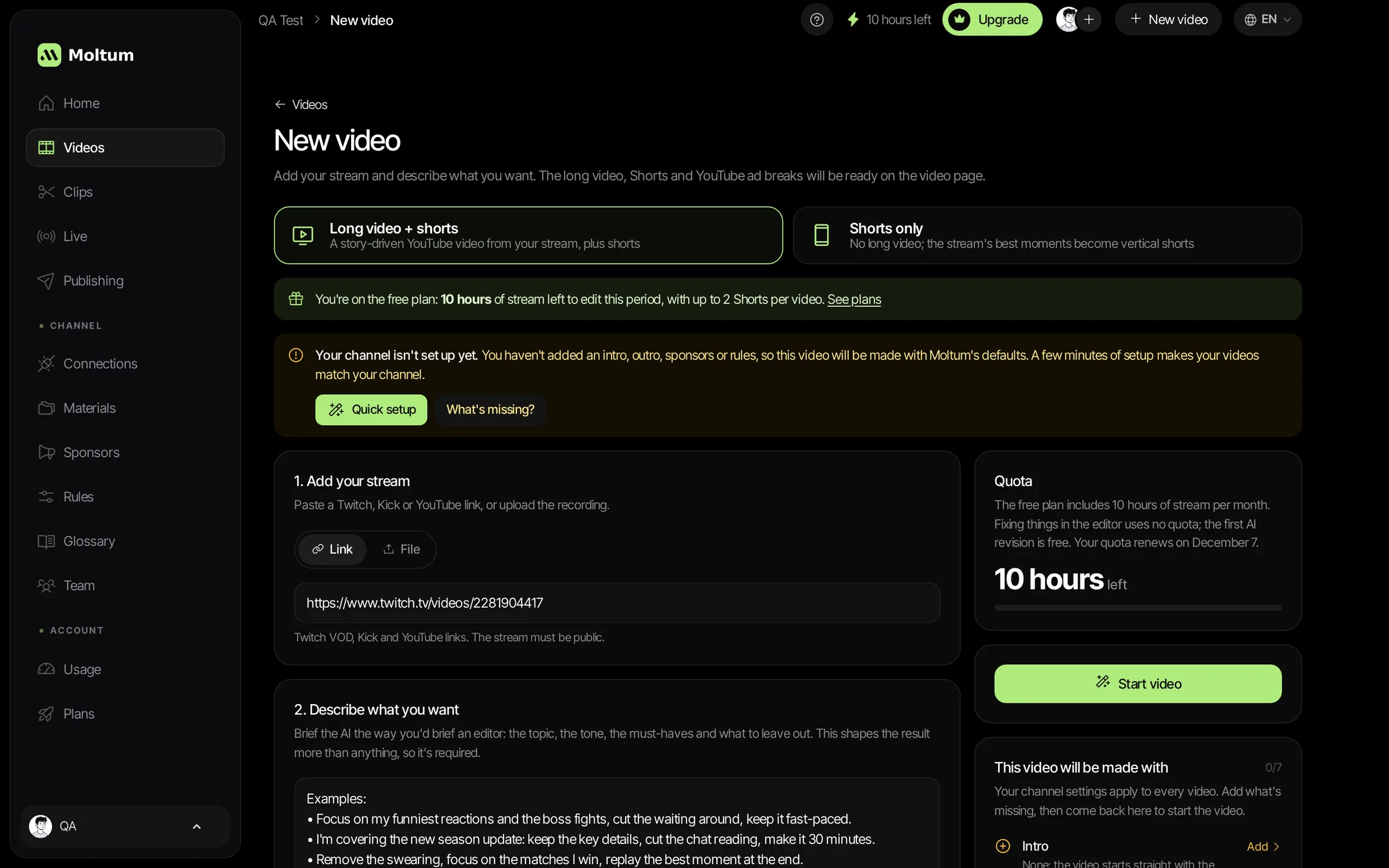
- Pick the length: on the New video form, choose 20–30 minutes as the Target length, or your own range with Custom. With Deliver shorter selected under If strong moments don't fill this length, no weak moments are added as padding.
- Write the brief: in the request box, list the moments that must be in and the parts to skip: "the boss fight has to be in, cut the menus and breaks."
- Chat and rules: with Use chat activity too on in Rules, moments when Twitch or Kick chat picks up get priority. Lasting requests like "cut the donation readings" go into Your channel's own rules.
- Fine-tune in the editor: with Open in editor you can give a travel segment a Speed, and add a Chapter title or Ad break after this segment; chapters go into the text in the YouTube description card.
Every option on the form is covered in Create your first video.
Frequently asked questions
Is it better to make a video longer than 30 minutes from a 4-hour stream?
It can be, if your material is strong. The test isn't length but whether the video holds attention. If the stream has several separate big stories, consider splitting them into separate episodes instead of one long video. In Moltum, writing "split it into 3 videos" in your request gives you separate long videos from the same recording.
When does it make sense to change the order?
Most of the time, keep the order. The exception is the short preview at the start: a few seconds of your strongest moment tell viewers what they're about to watch. If you shuffle the stories themselves, progress and context can fall apart.
What if my recording is split into several files?
Put the files on one timeline in the right order and check that no sentence breaks at the file boundaries. In Moltum, upload the files and choose Combine into one video; they're edited as one video in the order you uploaded them.
Are the good moments that don't make the long video wasted?
They don't have to be. A short moment that makes sense on its own can be a great Short. In Moltum, with Shorts turned on, moments worth a Short are picked from the same recording and the vertical crop is set up automatically.


